Industry Insights

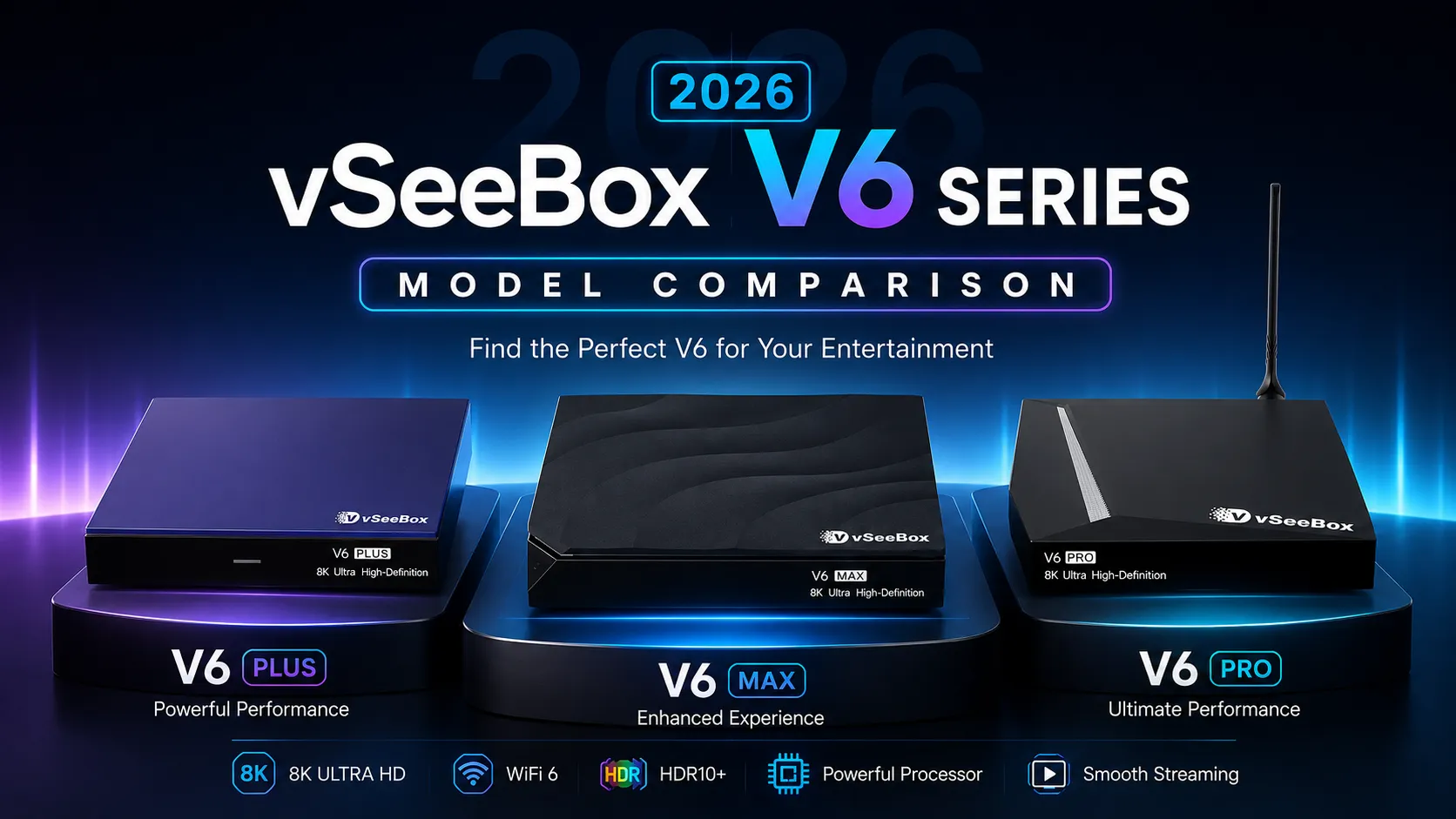
vSeeBox V6 Pro vs V6 Plus vs V6 Max comparison, vSeeBox V6 series model comparison banner

vSeeBox V6 Series Buying Guide: V6 Pro vs V6 Plus vs V6 Max

vSeeBox V6 Pro vs V6 Plus vs V6 Max: Choosing the best streaming media box for your home entertainment setup can feel overwhelming, especially when a product family comes with multiple variants built for different budgets and use‑cases. The 2026 vSeeBox V6 Series brings three mainstream models. This complete buying guide breaks down performance, hardware

vSeeBox V6 Series Buying Guide: V6 Pro vs V6 Plus vs V6 Max Read More »

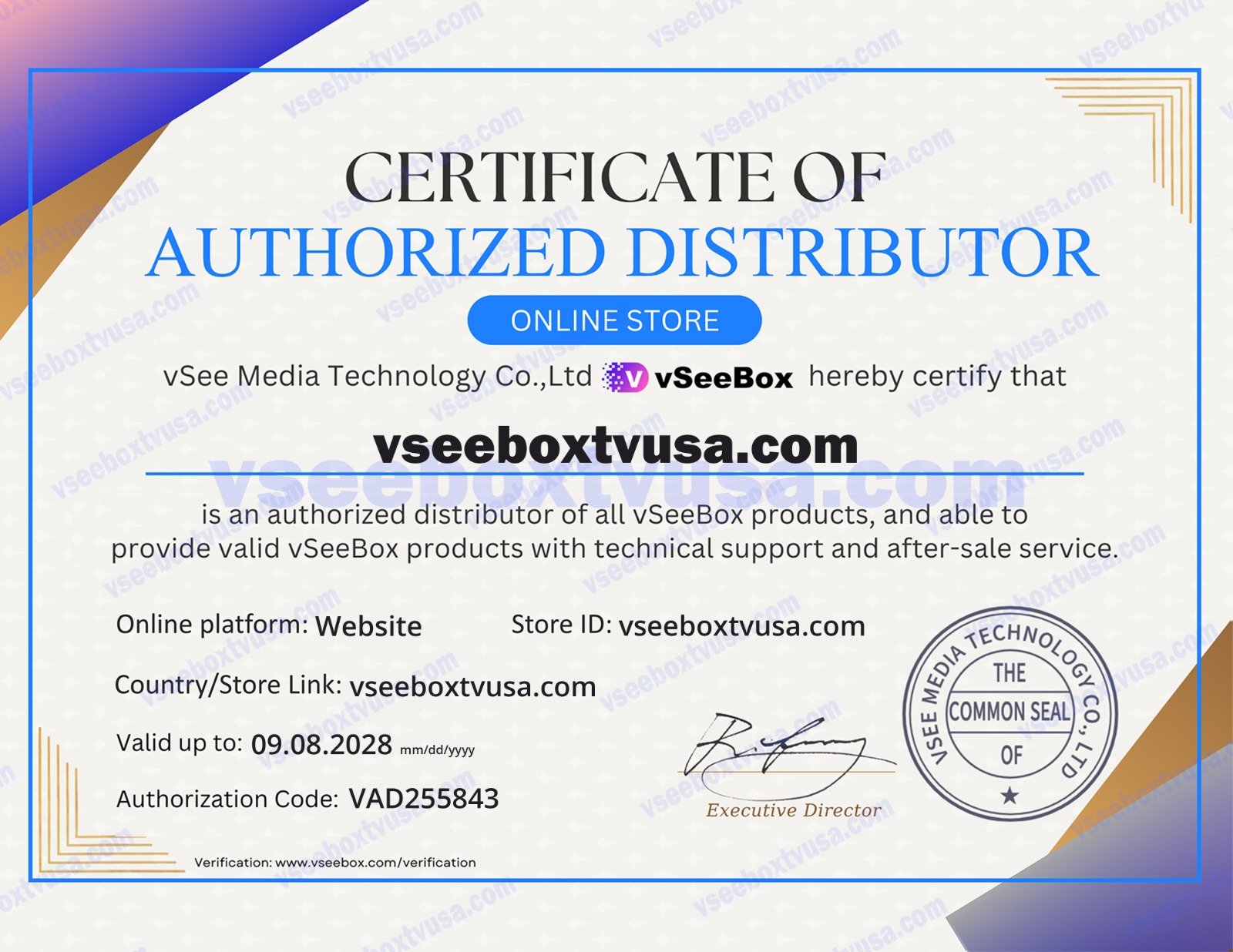
vSeeBox authorized distributor certificate, official authorization document for vSeeBox Android TV box

Where to Buy vSeeBox: Authorized Dealer & Genuine Buying Guide

If you are searching for where to buy vSeeBox, the safest option is to purchase from an authorized seller that can verify its brand authorization, explain the included warranty, and provide support after checkout. vSeeBox USA is an authorized vSeeBox seller offering genuine vSeeBox hardware, free US shipping, a one-year warranty, and a 30-day return

Where to Buy vSeeBox: Authorized Dealer & Genuine Buying Guide Read More »

vSeeBox hardware connected to a meeting-room display

vSeeBox for Business: Smart Office Display and Presentation Hardware

vSeeBox V6 Plus is an Android-powered hardware device that can be connected to compatible meeting-room displays for presentations, schedules, dashboards, and shared information screens. This guide covers its hardware specifications, connectivity options, setup workflow, storage support, maintenance, and practical deployment considerations for business environments. Why Standardized Hardware Helps Meeting Spaces Modern workplaces often use several

vSeeBox for Business: Smart Office Display and Presentation Hardware Read More »

vSeeBox hardware device connected to a home display

vSeeBox V6 Plus Hardware Features: Setup and Connectivity

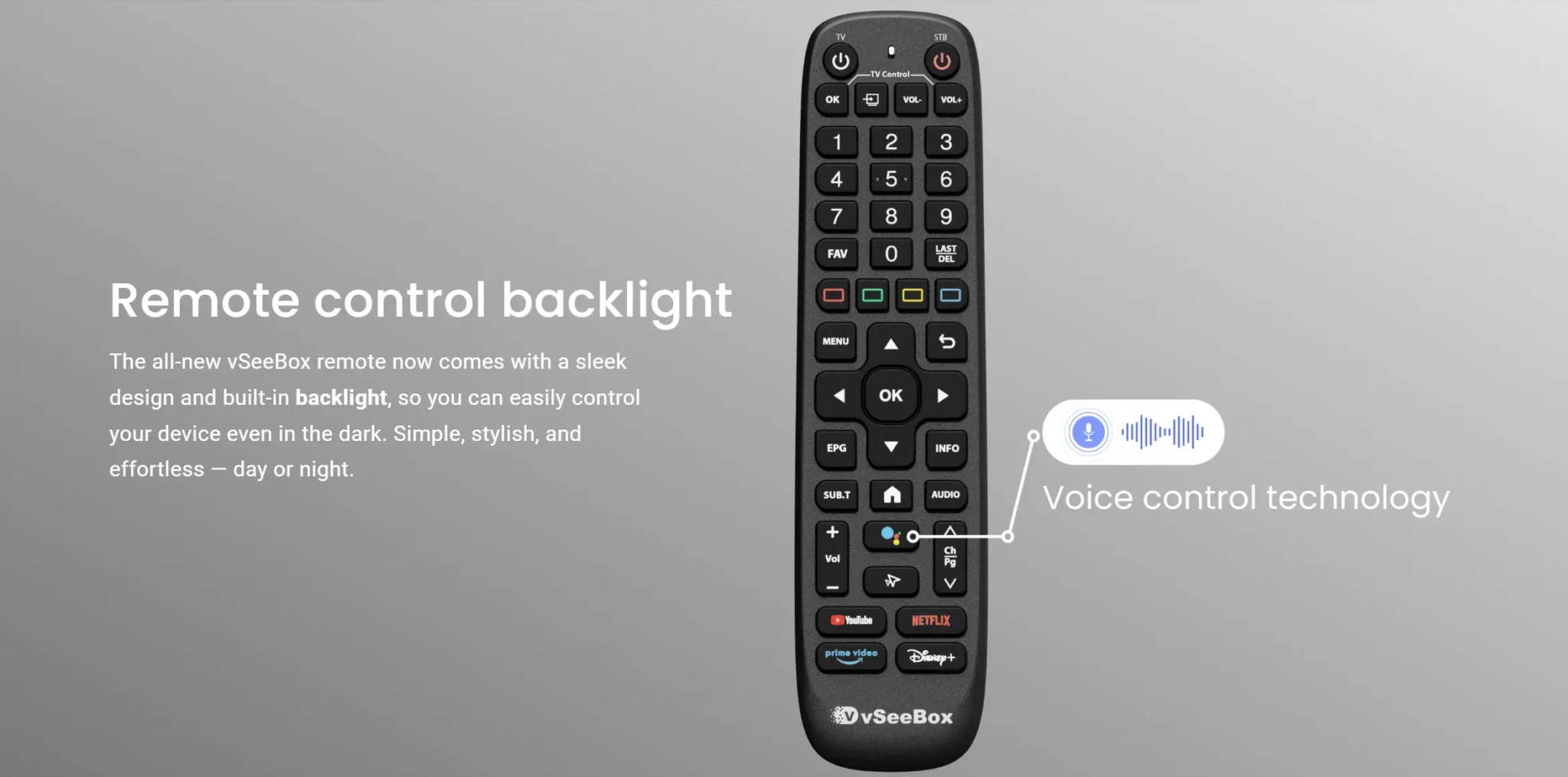
vSeeBox V6 Plus is an Android-powered hardware device designed for home display setups. It combines a quad-core processor, 4 GB RAM, 64 GB storage, HDMI 2.1 output, dual-band Wi-Fi, Ethernet, Bluetooth 5.0, and a voice-enabled remote. This guide explains its hardware features, connection options, setup process, and practical maintenance steps. Hardware Overview The V6 Plus

vSeeBox V6 Plus Hardware Features: Setup and Connectivity Read More »

10 VSeeBox V6 Plus Features You May Not Know About

If you’re looking for a more flexible way to enjoy TV and online entertainment, the vSeeBox V6 Plus may offer more than you initially expect. Today, more households are moving away from traditional cable setups and choosing internet‑connected media‑playback hardware instead. Depending on the licensed applications you install, you can access sports, movies and various

10 VSeeBox V6 Plus Features You May Not Know About Read More »

Scroll to Top